Kling API — Generate Your Key Frame, Then Animate It
Everything about the Kling API in one place — model specs, comparisons and prompt guides — plus a free AI video generator you can use right now. Write a prompt, generate your key frame, then animate it. No signup, no credits.
Frame generation is real and runs on our own image model; the animation step is a guided preview.
Kling model line at a glance — publicly documented third-party figures.
How the Free Generator Works
Generate your key frame, then animate it — the same two-step shape every Kling API video generation workflow follows.
Describe your shot
Type the scene in plain English — subject, motion, lighting, style. The more specific the prompt, the better the frame.
Generate your key frame
Our own image model renders a real 16:9 key frame in seconds. Every Kling video workflow starts from a still like this one.
Animate it
Send the frame into the animation step and watch the storyboard, render and encode stages run. For full-length AI video generation, use Video Pro.
What the Kling API Can Do
Kling AI officially entered the 3.0 era — smart storyboard, native audio-visual sync and 15s generation.
The Kling 3.0 series models take more native multimodal input and output, folding audio-visual sync and subject consistency into one pass. This page documents what each Kling model exposes through the API.
Text & Image to Video
Two API entry points into one model family — a written prompt or a still frame.
Native Audio in One Pass
Character-directed driving and borderless language mixing, generated with the picture, not after it.
Motion & Camera Control
Draw the path, set the shot, keep the subject on model from first frame to last.
Kling Video 3.0
Smart Storyboard · Comprehensive Audio-Visual · 15s Generation
Smart Storyboard
AI Director Built-In, One Click to a Cinematic Feel
Kling 3.0 reads scene transitions straight out of the prompt and schedules shot types and camera positions on its own. Dialogue shot-reverse-shots, cross-scene cuts and voice-over beats come back planned rather than improvised.
Image-to-Video + Subject Reference
Protagonist Stays Consistent Across Shots
Subjects can be anchored on top of an image to video generation, locking Kling onto a protagonist, a prop or a scene feature. The model then re-casts that same subject in every later frame instead of quietly drifting.
Comprehensive Audio-Visual Sync
Character-Directed Driving, Borderless Language Mixing
Written lines and on-screen characters are mapped to each other, so in a crowded frame whoever you want to speak speaks. Chinese, English, Japanese, Korean and Spanish are supported, including mixed-language delivery in one take.
Native-Level Text
Precise Glyphs, Lossless Information
Signage, subtitles and packaging copy survive the generation instead of melting into pseudo-letters, and brand-new text can be written into the shot on request. That is what makes the Kling API usable for e-commerce and advertising work where the words have to be readable.
15s Ultra-Long Generation
Breaking Duration Limits, Length Synchronised with Imagination
The newest Kling versions unlock 15 seconds of continuous video with flexible 3–15s durations. Inside that window there is room for a real action beat — a setup, a turn and a payoff — rather than one held gesture.
Kling Video 3.0 Omni
Stronger Consistency · Video Character · Custom Storyboard
Omnipotent Reference 3.0
Stronger Consistency, More Obedient and Agile
Reference generation in 3.0 Omni holds a subject's identity tighter than Kling O1 managed, so a face, a garment or a product survives a change of angle and lighting. It also follows written direction more literally, which means fewer stray artifacts and fewer retries per shot.
Video Character Subject
True-to-Life Performance, One-Clip Entry
Hand the model a 3–8 second clip of a person and it extracts their look, their build and their original voice timbre as a reusable subject. Later generations reproduce that performance voice included, so an otherwise silent reference finally gets its own lines.
Storyboard Narrative 3.0
Free Duration, Custom Shots, Precise 15s Control
Custom storyboards are native here: you declare each shot's duration, framing, perspective, narrative beat and camera move, and Omni lays the sequence onto a single 15-second timeline. One API request comes back as a directed cut instead of one continuous take.
Breakthrough Features
A smart storyboard system, 15s ultra-long generation and multi-language mixing bring new possibilities to AI video generation.
Smart Storyboard System
AI orchestrates multi-shot sequences for cinema-quality narratives without manual shot specification.
15s Ultra-Long Generation
3–15 second videos in one pass, 3× the standard 5s capacity — enough for a complete story.
Multi-Language Mixing
Mix Chinese and English speech inside one video, for international and bilingual content.
Native-Level Text
Legible text rendered directly inside the video — no post-processing, multiple styles and positions.
Character Consistency
Stable characters across shots; semantic recognition tracks features for continuous narratives.
Audio-Visual Sync
Native audio matches the visual action, voice rhythm coordinated tightly with the picture.
Powerful AI Video Generation Capabilities
From text to video and image to video to native audio — the full Kling AI generation surface.
Text to Video
Turn a written description into a moving shot with one API call.
Image to Video
Bring a static frame to life with motion.
Video Extension
Extend an existing clip past its original length.
Motion Control
Precise control over motion trajectories and camera paths.
Lip Sync
Audio-driven portrait animation with natural mouth shapes.
Native Audio
Voice, SFX and ambient sound made in the same generation pass.
Technical Specifications
The Kling model line in numbers — durations, ratios, generation modes and audio, in one API reference.
Performance Benchmarks
Sample data — Kling AI scores against the industry average across four axes.
* Published third-party model comparison data — for reference only.
Generation Examples
Explore what the Kling API produces, one generation capability at a time.
Select Example
Why Choose Kling API
Industry-leading AI video generation, documented by an independent, ad-free guide to Kling AI.
Native Audio Generation
Voice, sound effects and ambience in one generation pass — no post-production audio work.
Motion Control
Draw the trajectory and camera move, then let Kling follow it shot by shot.
Multi-Subject Consistency
Characters and props stay recognisable across shots, the way a director remembers a cast.
Multi-Language Prompts
Chinese and English prompts and voice output, with mixed-language lines in one clip.
Every Model Documented
Seven Kling model pages — specs, API limits, generation modes and prompt templates.
Independent Comparisons
Eight head-to-head matchups against Runway, Pika, Sora, Luma and Vidu, from public docs.
No Signup Required
The generator runs in your browser. No account, no email, no credit balance.
Free Frame Generator
A real image model renders your key frame; the preview shows what happens next.
Built for Every Use Case
From marketing to entertainment.
Filmmaking
Create cinematic scenes and visual effects
Advertising
Generate engaging ad content
Fashion
Showcase products and runway shows
Post-Production
Enhance and extend video content
Gaming
Game trailers, character animations
Education
Training videos, course content
Choose Your Kling Model
From entry-level to flagship, covering every AI video generation scenario in the Kling line.
Kling Video 3.0
Smart Storyboard · 15s Generation · Audio-Visual Sync
- Smart Storyboard System
- 15s Ultra-long Generation
- Comprehensive Audio-Visual Sync
Kling Video 3.0 Omni
Stronger Consistency · Video Character · Custom Storyboard
- Omnipotent Reference 3.0
- Video Character Subject
- Custom Storyboard
Kling O1
The First Unified Multimodal Model in the Kling Line
- Video Reference
- Multi-Reference Composition
- Pro Mode
Kling 2.6
Native Audio Generation with Motion Control
- Native Audio
- Motion Control
- Voice & SFX
Kling 2.5 Turbo
Fast Generation with High Throughput
- Fast Generation
- High Throughput
- 5–10s Duration
Kling 2.1
Enhanced Semantic Understanding
- High Quality
- Semantic Enhanced
- 5–10s Duration
Showcase Gallery
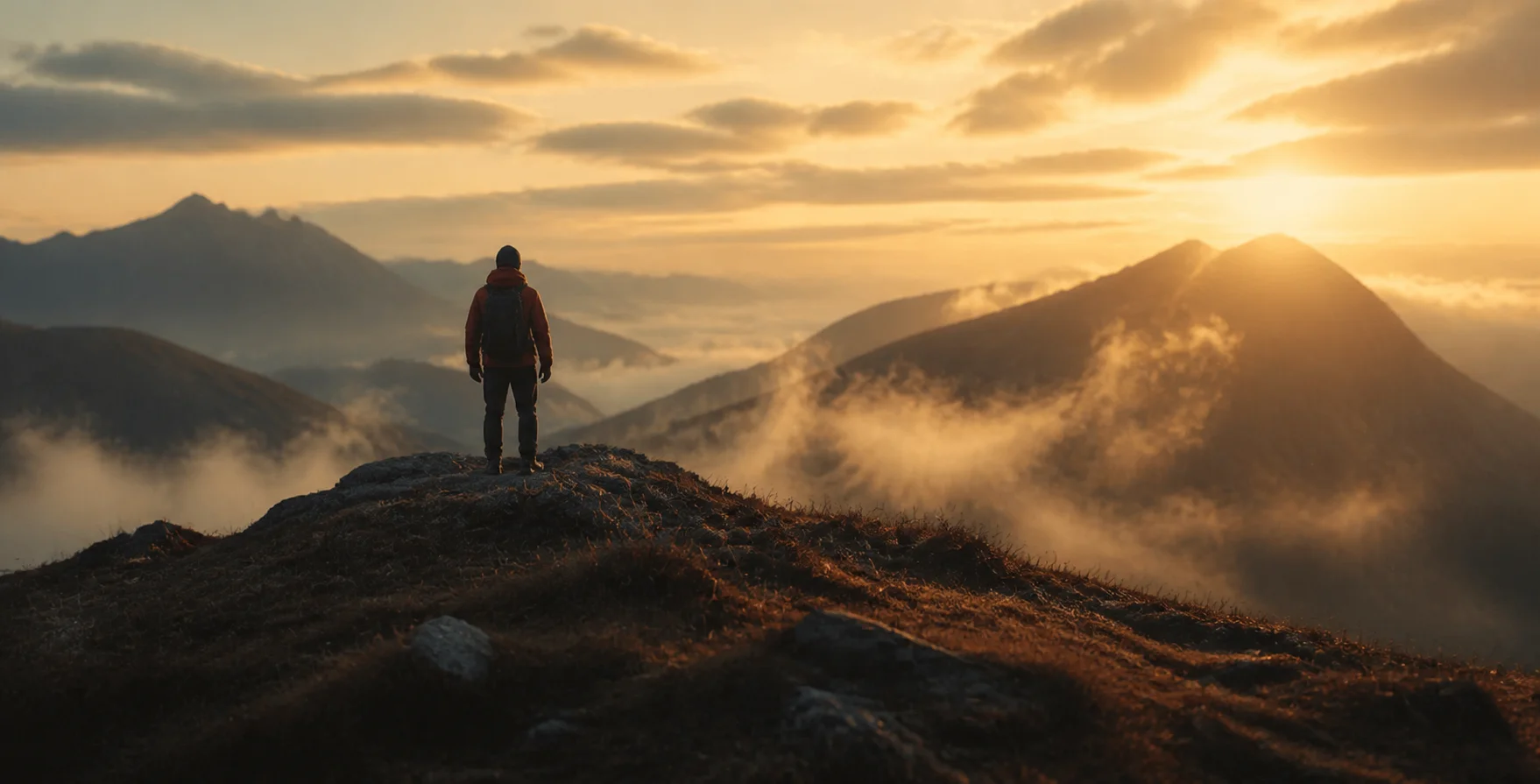
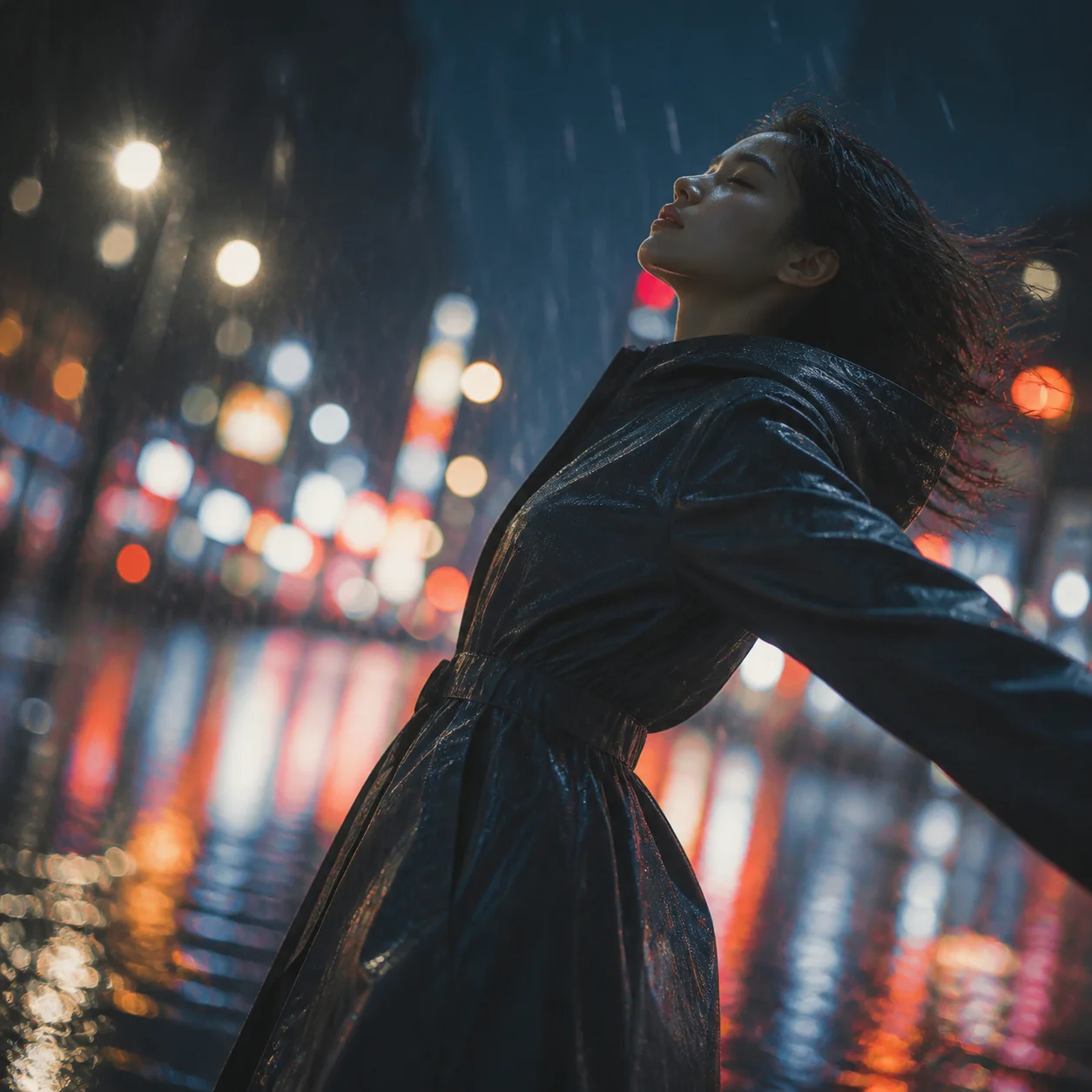
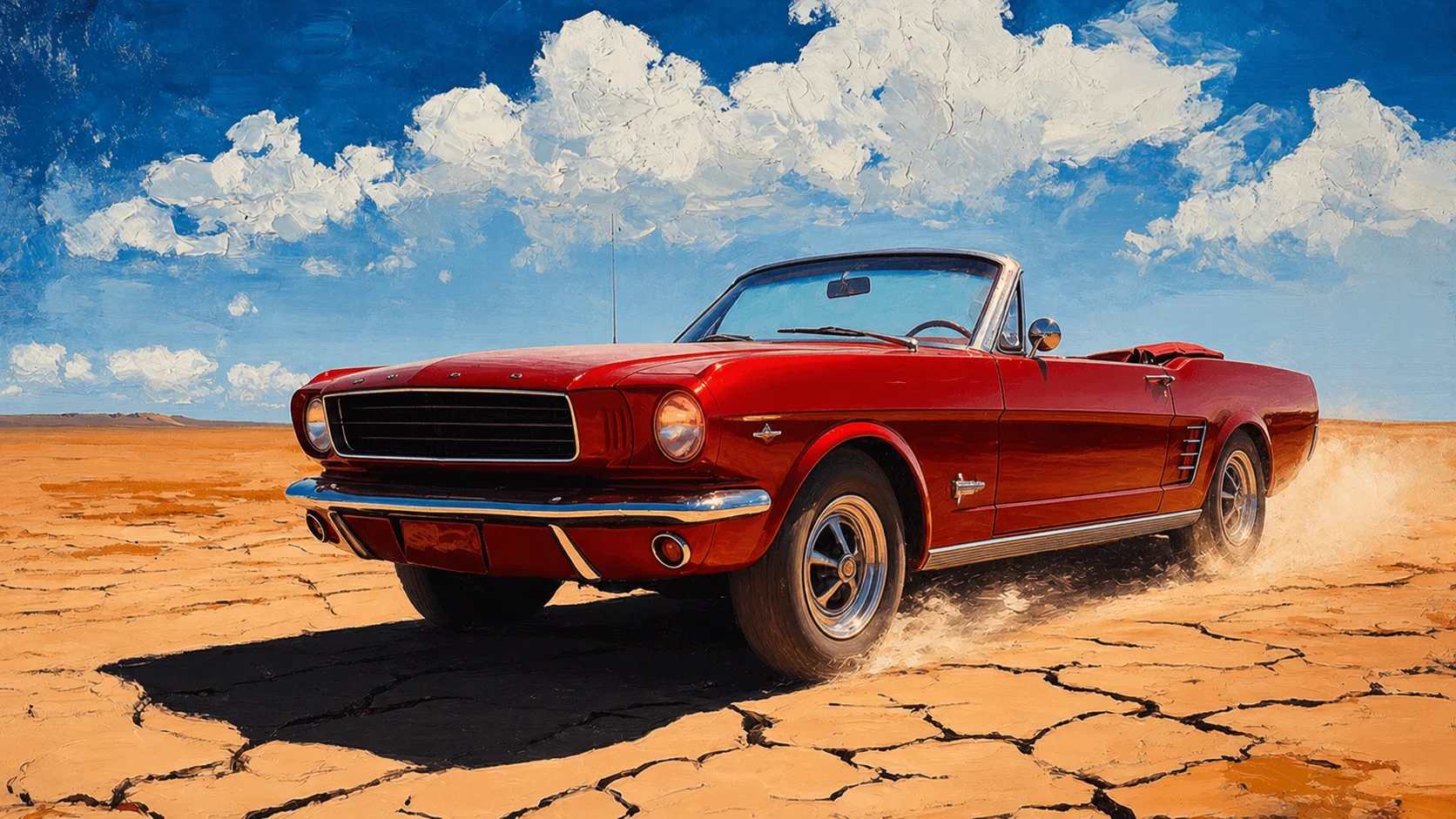
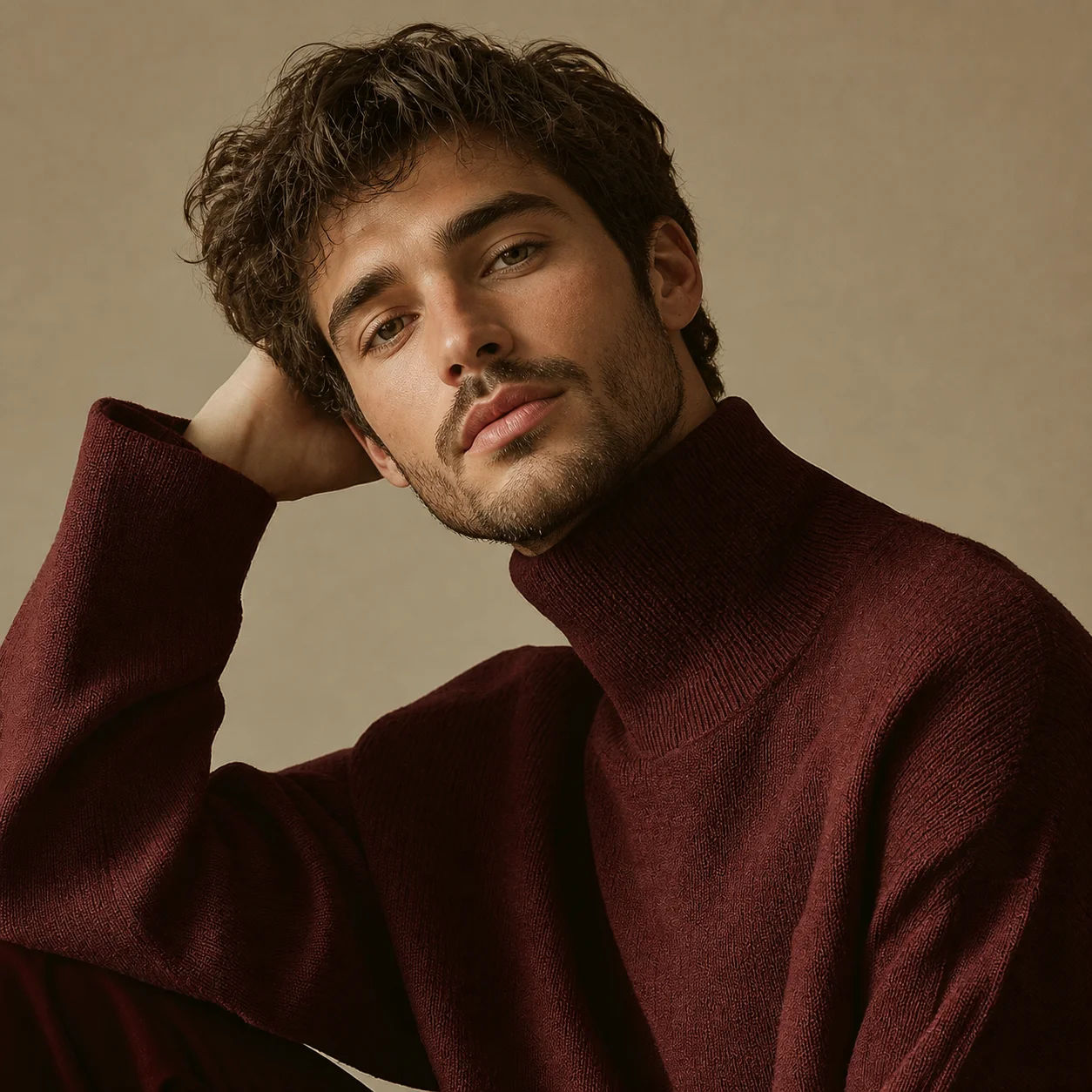
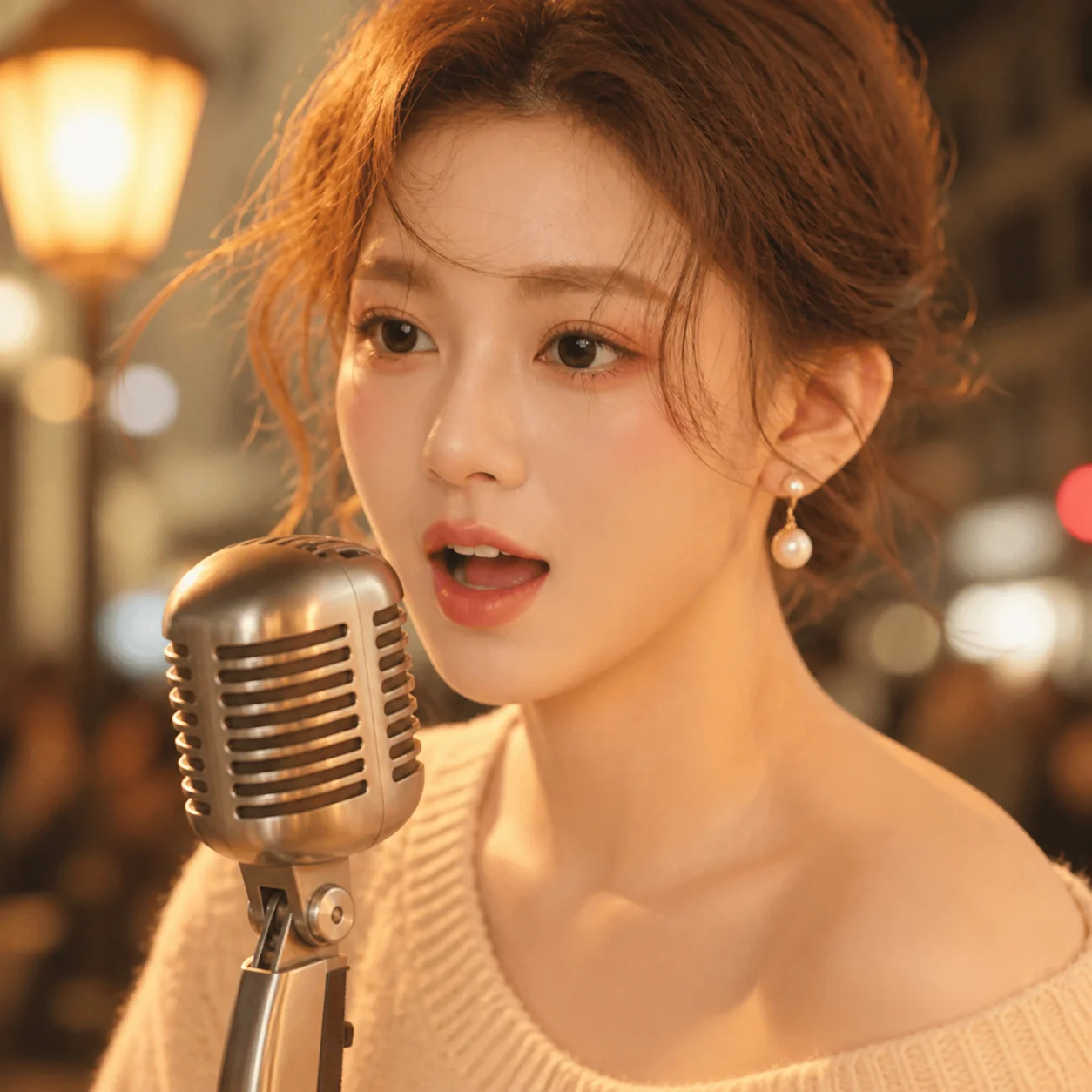
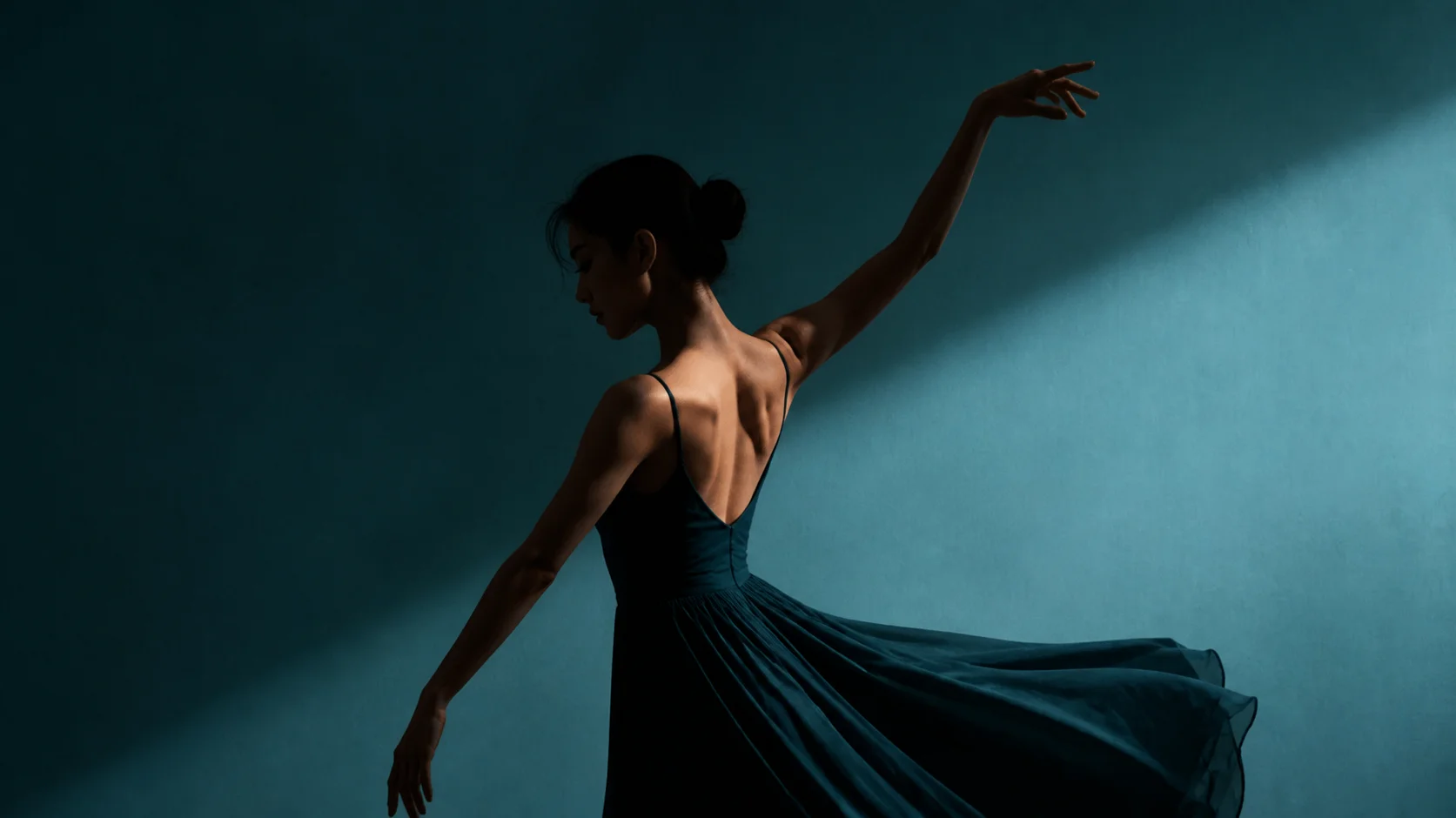
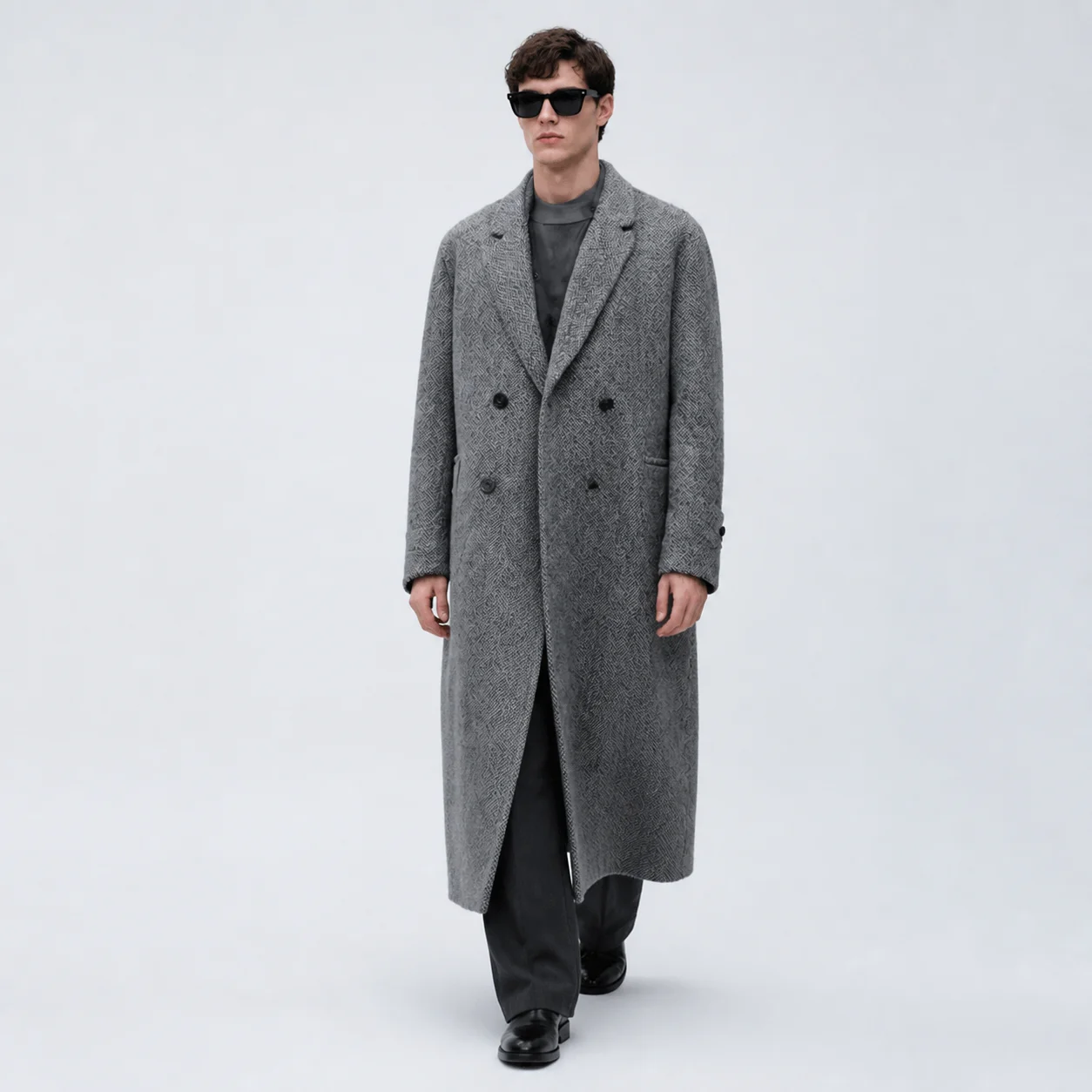
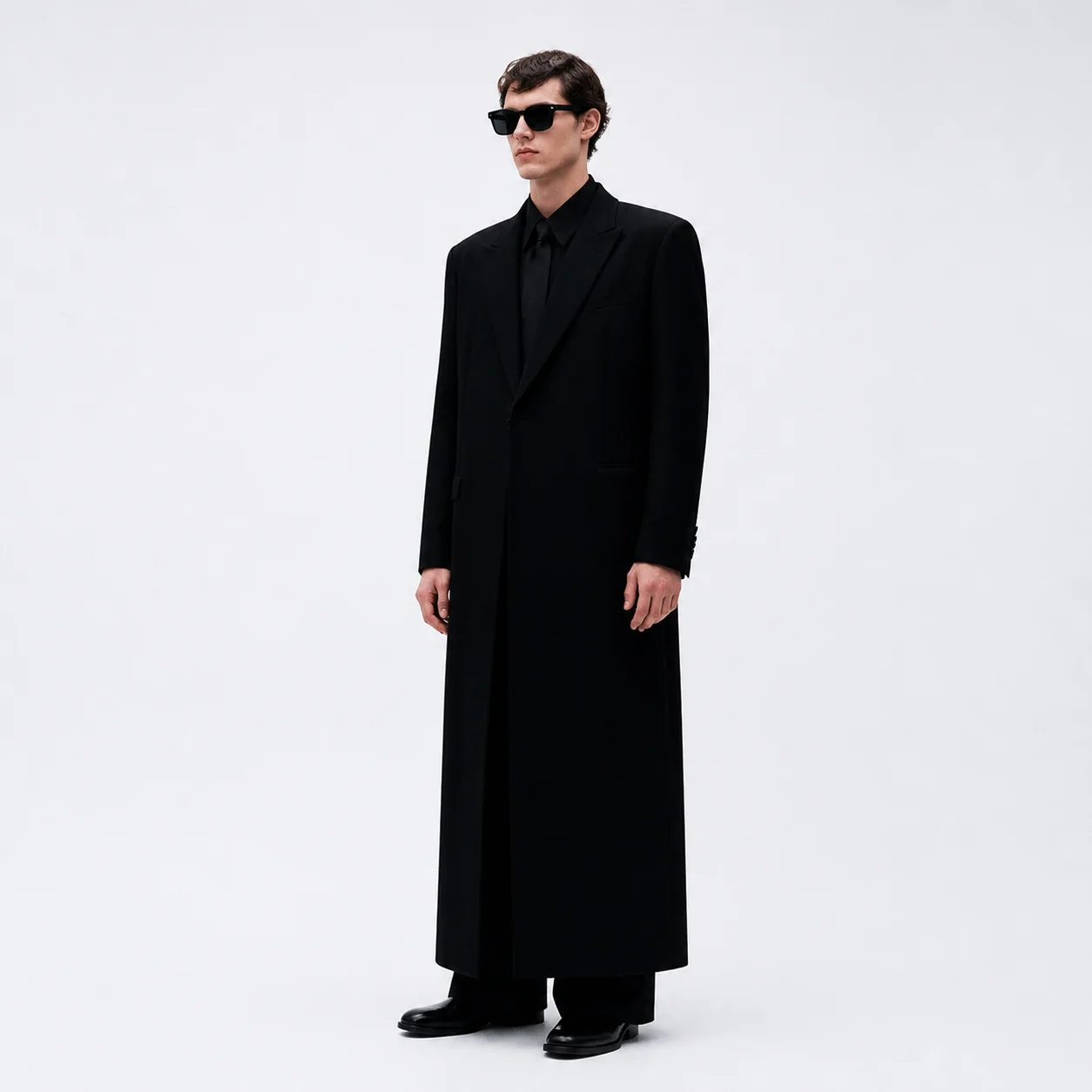
Browse frames rendered by our free AI video generator, with the Kling model notes behind each one.


Kling API vs Other AI Video Generators
See how Kling AI compares to five other AI video generation platforms on the axes that matter.
| Feature | Kling★ | Runway | Pika | Sora | Luma | Vidu |
|---|---|---|---|---|---|---|
| Max Resolution | 1080p | 1080p | 1080p | 1080p | 4K | 1080p |
| Max Duration | 15s | 10s | 25s | 20s | 10s | 8s |
| Motion Control | ||||||
| Lip Sync | ||||||
| Native Audio | ||||||
| Public API | ||||||
| Multi-Language Prompts |
Feature availability as publicly documented by each vendor, reviewed 2026-08.
Model Spec Reference
The parameters a Kling video generation request accepts, and the context behind every API value.
Documented Limits
Duration ceilings and ratio support come from public Kling documentation, not marketing pages.
Native Audio
Chinese and English voice with automatic translation, plus SFX and ambience in the same pass.
Multi-format Input
Accepted inputs: jpg, png, webp, gif and avif — the same set across every image to video API mode.
| Metric | Value | Context |
|---|---|---|
| Duration Options | 3s / 5s / 10s / 15s | 3.0 series reaches 15s; earlier versions cap at 10s |
| Aspect Ratios | 16:9, 9:16, 1:1 | Landscape, vertical and square formats |
| Output Resolution | 720p / 1080p | 1080p is the documented ceiling |
| Audio Support | voice, sfx, ambient | Generated with the picture on 2.6 and the 3.0 series |
| Input Formats | jpg, png, webp, gif, avif | Applies to image to video and reference-image modes |
| Generation Modes | standard / professional | Standard finishes in ~30s, professional in ~60s |
Need real Kling AI video rendering?
The free AI video generator on this page produces a key frame. Full-length rendering lives in Video Pro.
Frequently Asked Questions
Twelve questions people actually search about Kling AI and its API.
Kling AI is a video generation model family from Kuaishou, and the Kling API is the programmatic way to reach those models — text to video, image to video, lip sync, motion control and native audio. This site is an independent guide, plus a free key-frame generator that needs no account.
Kling AI publishes a free tier alongside paid plans, and resellers set their own terms — check the vendor you intend to use. The generator here is free and needs no account — it renders your key frame on our own image model.
A typical API workflow: pick a Kling model version, send a text prompt or reference image, set duration and ratio, poll the task, then download the video. The tool here mirrors the front half — prompt, key frame, animate.
Seven versions are documented here: Kling Video 3.0, 3.0 Omni, O1, 2.6, 2.5 Turbo, 2.1 and 2.0 — each with durations, ratios, audio support, API notes and prompt templates.
Kling 3.0 introduces the smart storyboard system, 15s generation and audio-visual sync. 3.0 Omni pushes subject consistency further and adds video character subjects. O1 is the unified multimodal model, strongest on multi-reference composition.
Kling durations run from 3 to 15 seconds — the 3.0 series reaches 15s, earlier versions cap at 10s. Ratios include 16:9, 9:16 and 1:1 natively, plus 4:3, 3:4, 3:2, 2:3 and 21:9.
Yes on Kling 2.6 and the 3.0 series. Voice, dialogue, singing, sound effects and ambience are produced in the same pass as the picture — no separate render, no manual sync.
Use text to video when the shot does not exist yet. Use image to video when the look is already locked and you only need motion. Generating a key frame first gives you that second option on demand.
Standard mode typically completes in about 30 seconds and professional mode in about 60, varying by clip length and complexity. The key frame here comes back in seconds — it is a single still.
That depends on the terms of the service that rendered the clip — read the licence before shipping anything client-facing. Frames you generate here are yours: no watermark, no rights claimed.
No. This is an independent guide to the Kling API. We are not affiliated with Kling or Kuaishou, and the free tool on this page runs on our own image model.
It turns your prompt into a real key frame using our own image model, then walks you through the animation stage as a guided preview. For full video rendering, continue in Video Pro.
Ready to Create?
Write a prompt, generate your key frame, then animate it — the Kling API video generation workflow, start to finish.
No signup · No credits · Runs in your browser